XAD
XAD - Cross-asset deduplication that finds duplicates and near-duplicates across raster, vector, and animated assets despite format, size, color, and metadata noise.
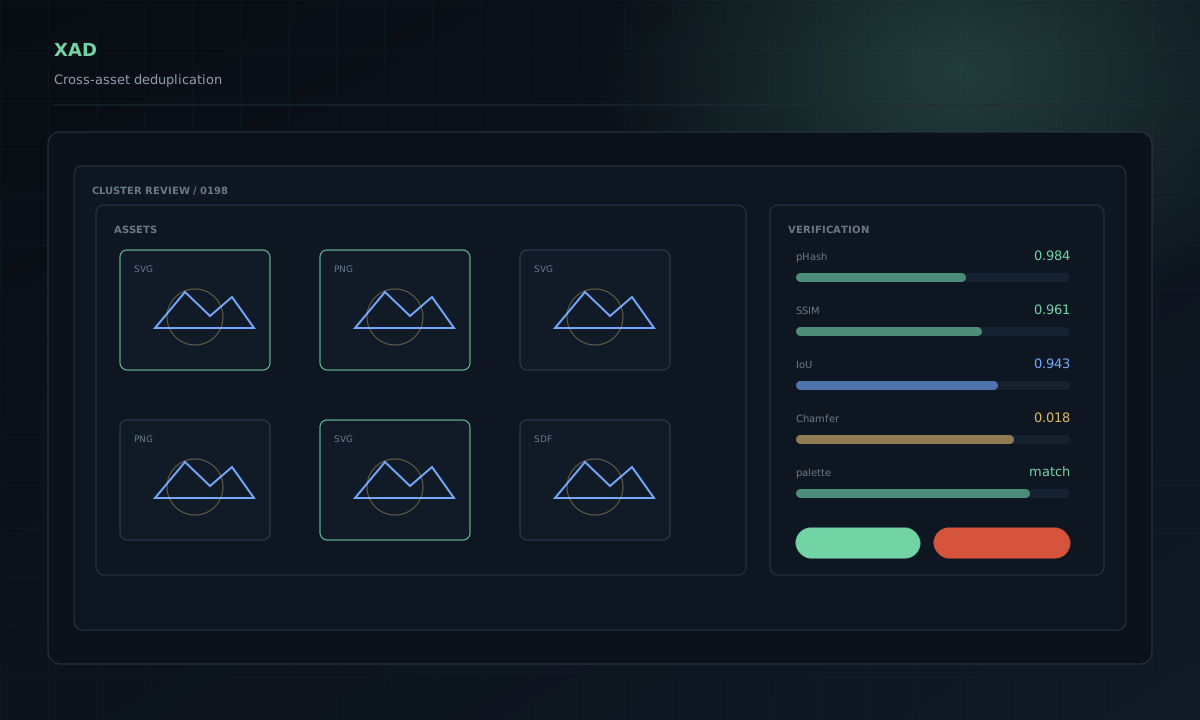
What XAD is
Asset libraries do not stay clean for long. A logo gets exported at another size. An SVG is rewritten by a design tool. A file is recolored, flattened, recompressed, or saved with different metadata. The names may be different even when the asset is effectively the same.
XAD finds those relationships across raster images, vectors, and animated assets. It is built for repositories and shared asset systems where ordinary checksums catch too little and broad visual search catches too much.
The output is meant to support a decision. XAD can distinguish an obvious duplicate from a variation that may be intentional, then show enough evidence for a person or repository policy to decide what happens next.
Where it fits
XAD can scan an existing asset library, inspect a pair of files, group related assets, or check only the files introduced by a pull request. That makes it useful during a one-time cleanup, but it can also stay in the development workflow and catch duplicates before they spread.
A design-system team can use it to keep icon and illustration libraries consistent. A product organization can use it across several repositories that share the same assets. It also fits migration work, brand consolidations, acquired codebases, and large media libraries where years of exports have created several competing copies of the same thing.
Repository and CI workflows
XAD keeps the full-library scan separate from day-to-day checks. Teams can build a reference corpus, update it as assets change, and compare new work against what is already approved.
In CI, a pull request can be checked before merge. Clear duplicates can be blocked or reported. Uncertain matches can be sent to review instead of failing the build without context. The results can feed a pull-request comment, an internal review tool, or another policy system.
The same workflow also works locally. A developer or designer can inspect a suspected pair, review a group of related files, or prepare a cleanup without waiting for a remote service.
Review and governance
XAD does not assume that similarity means deletion. A recolor may be part of a theme. Two vectors may look the same while one remains the better source file. A near-match may be a deliberate revision.
Teams can keep uncertain results in review, choose a canonical asset, preserve both files, or reject a bad grouping. Policies can be adjusted for each library rather than forcing every repository to accept the same tolerance for variation.
This matters in larger organizations because ownership is often split. The team adding an asset may not be the team that owns the existing copy. XAD gives both sides a shared record of the match instead of leaving the decision to a filename or a visual guess.
Built for shared asset platforms
XAD is designed to work with large, changing collections. It can reuse previous indexing work, process new changes without starting from zero, and recover safely when a job is interrupted. Its outputs are structured so CI systems and internal tools can consume them without scraping terminal text.
The core can also be embedded into native tooling. That leaves room for company-specific review surfaces, policy engines, asset portals, and ingestion pipelines without turning XAD into a hosted service that owns the files.
Current state
The Rust core, CLI, repository checks, clustering, review workflow, and persistent indexing are the strongest parts of the public alpha. Animated-asset handling is earlier and will need more work before it is as dependable as raster and vector matching.
XAD is not semantic image search. It finds duplicate and near-duplicate assets, not every file that happens to show the same subject. It never deletes an asset on its own.